Skip to main content
tracki
Products
How to use
Solutions
User guide
About us
Contact us
Hamburger Toggle Menu
ENG
Guide /
Application guide
Places
Edit
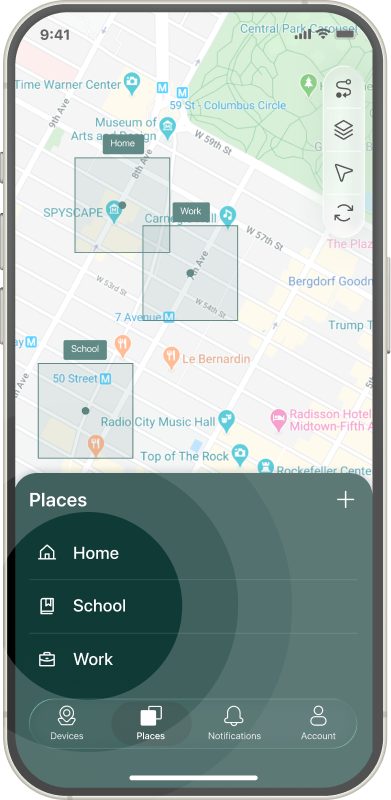
To edit any place - open the Places tab and tap on the place name you want to edit.
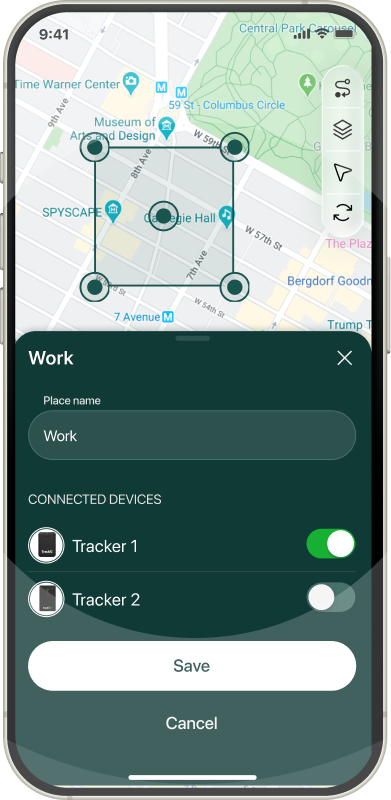
On new screen you can change place name, devices you want to apply this geo-fence to and fence perimeter.
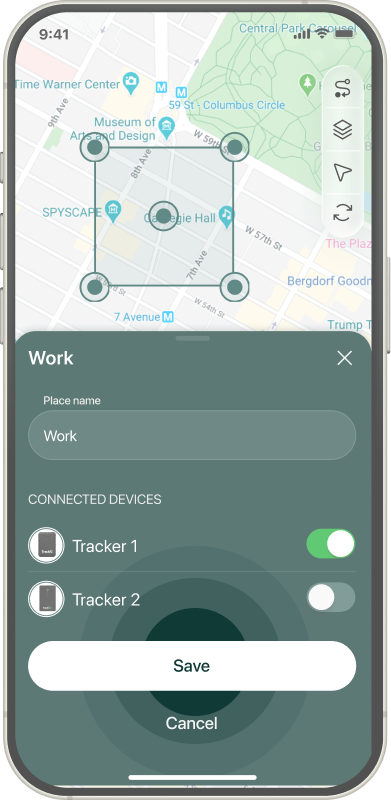
When all changes are done - tap Save button.
Create
Delete